Global Search
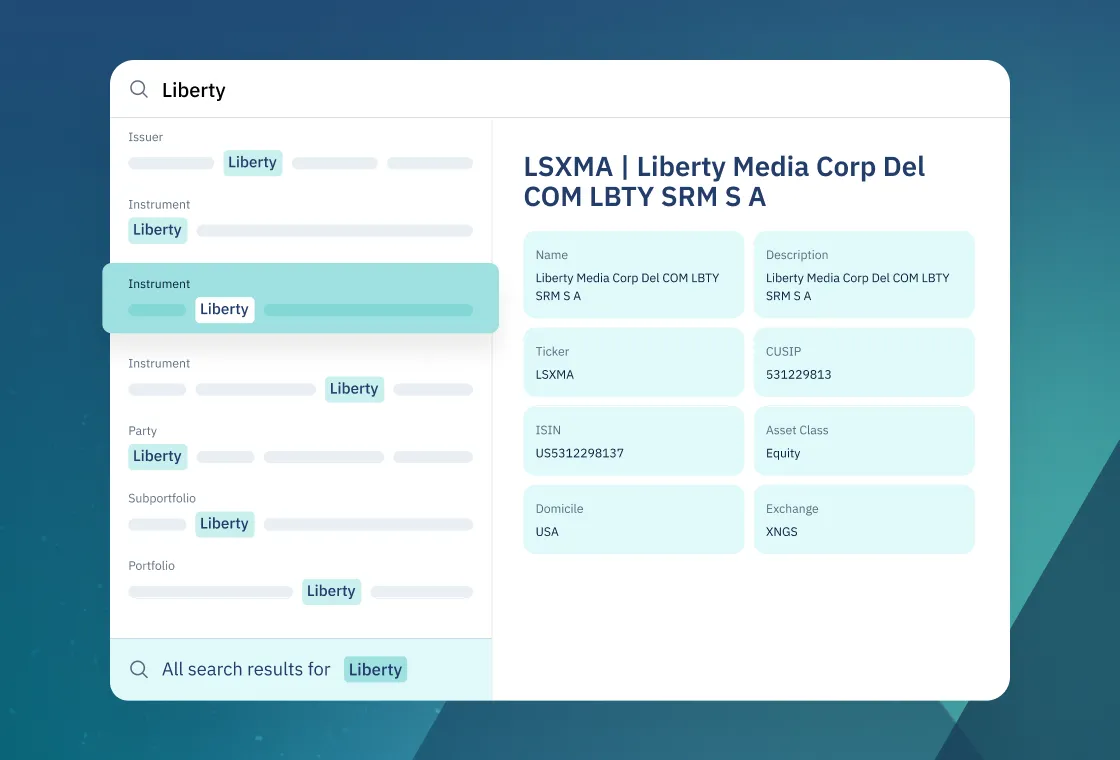
Find portfolios, people, instruments, activities, and more from a single search bar that understands your firm’s data and surfaces the most relevant results as you type.
.avif)
A Single Place for Search
No more wasting time clicking through menus or guessing where a record lives.
Simply type what you’re looking for into the search bar at the top of the platform and relevant results surface with links that take you exactly where you want to go.
How Metadata-Enhanced AI Unlocks New Value for Our Customers
Ridgeline Chief Architect Mike Barrameda shares how metadata improves your ability to find and act on data using AI.

Search that Understands Intent
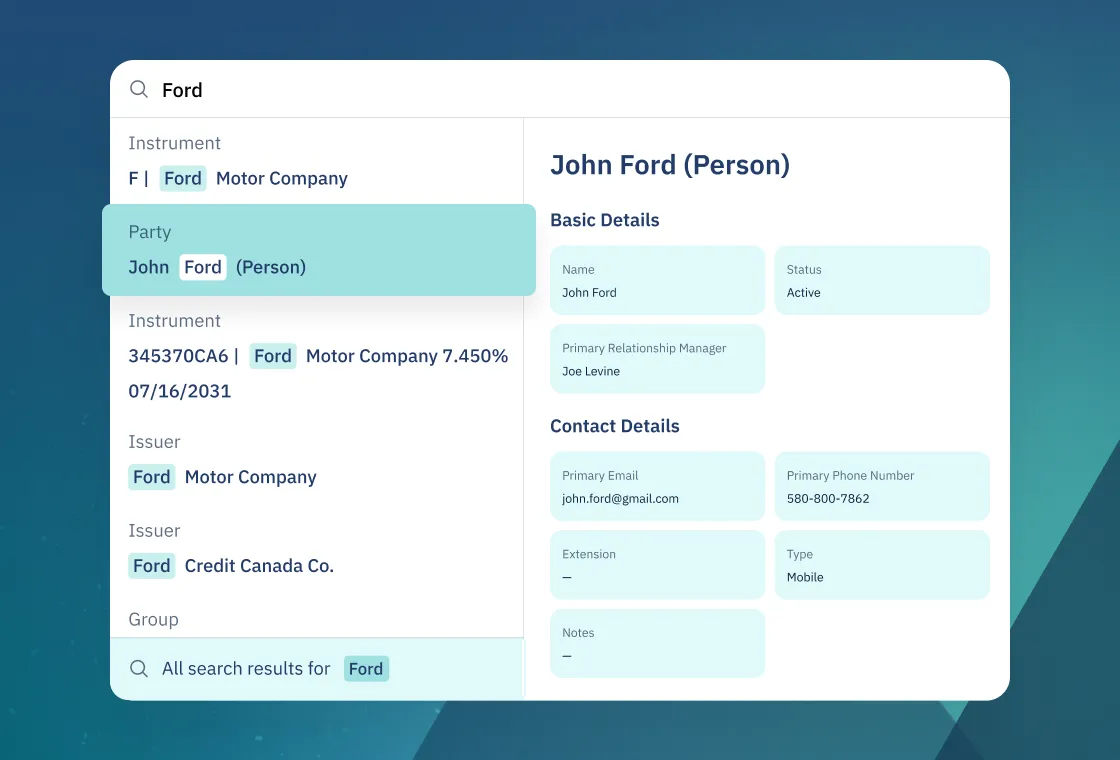
Need to get more specific? You can scope search by object type, such as a specific portfolio, to narrow down results.
And don’t worry if you can’t quite remember a name; prefix and fuzzy matching handles minor typos or partial names to help guide you on the right path.
Aligned with the Unified Data Model
Because Global Search uses the same core data as the rest of the platform, results show the current state of portfolios, trades, and clients instead of outdated copies.
We also track how quickly changes flow into search and watch for anything that might be missed, so firms can trust that what they see in search matches the official books and records.

Powering Ridgeline Assistant and Workflows
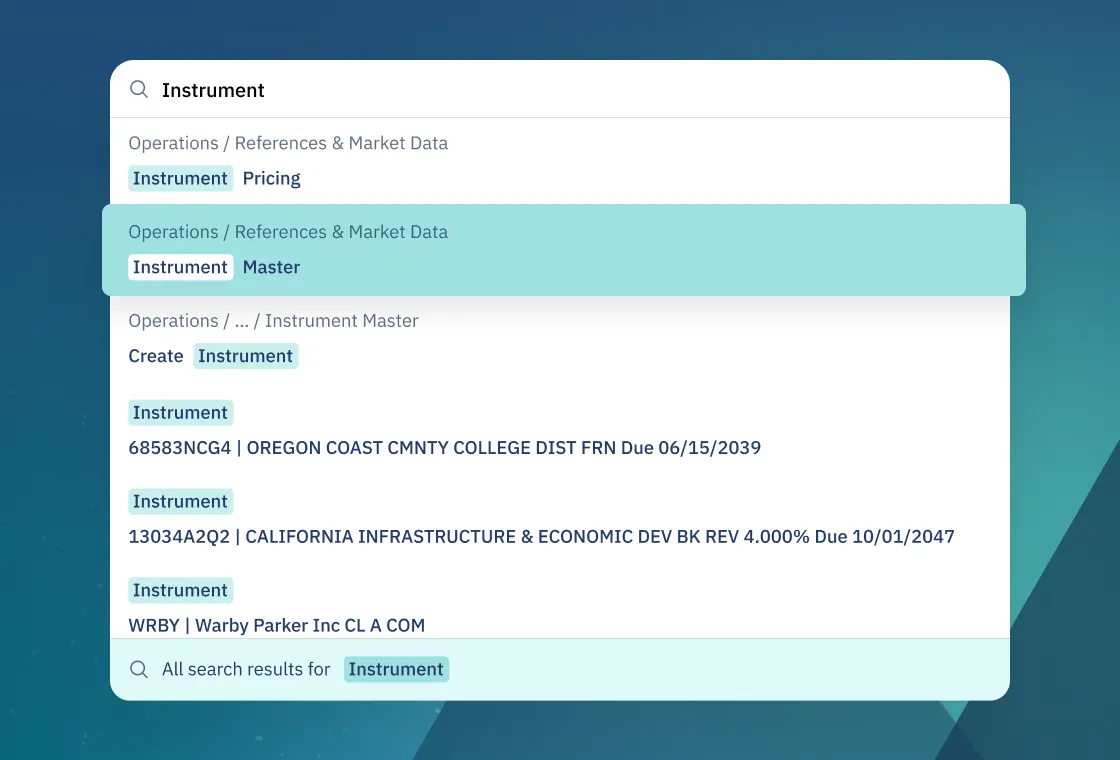
Global Search is also a core dataset for Ridgeline Assistant and multiple workflow-driven features.
Assistants use Global Search to quickly locate relevant records when answering questions, and workflows can rely on search-backed operations to find and act on the right objects without hardcoding IDs.
.avif)
.svg)
“It is just an easier system to use. And I feel like there has been a lot of effort to make it intuitive. The language makes sense, where you can filter and sort seems simple on the surface, but it's something that nobody else is doing right now.”

Patrick Wolcott
“On Ridgeline, it's the ease of use — it's just an intuitive product. My favorite feature is Global Search because there's no more hunting through layers of menus.”