Workflows
Automate repeatable business processes with configurable workflows that keep tasks, approvals, and system actions in sync.
.avif)
Turn Processes into Repeatable Workflows
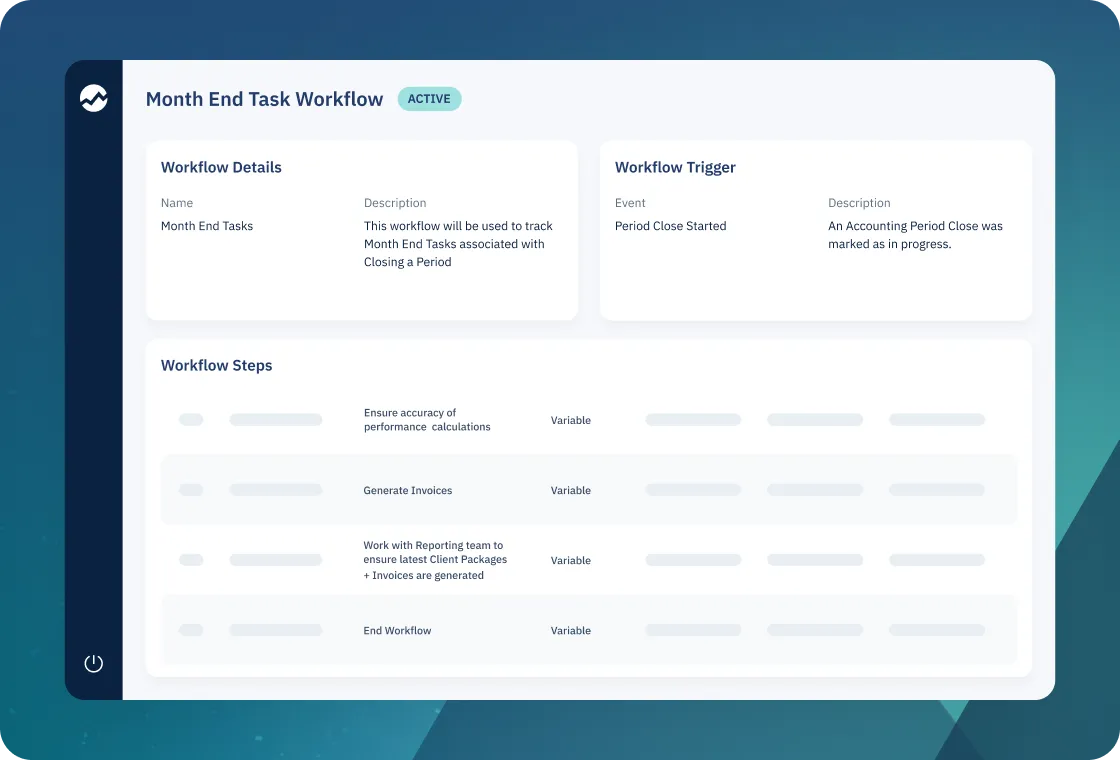
A workflow in Ridgeline is a template for how a job gets done. You define where it starts, what happens in what order, and who owns each step.
Once it’s set up, that same template can run when a system event occurs, when someone starts it manually, on a schedule, or from another workflow.
Each run tracks where things stand from start to finish, so everyone can see how work is moving from one team to the next.
How Ridgeline Reimagined Tax Loss Harvesting for Investment Management
Chris Flynn explains how Ridgeline created a seamless workflow for tax loss harvesting in just weeks.

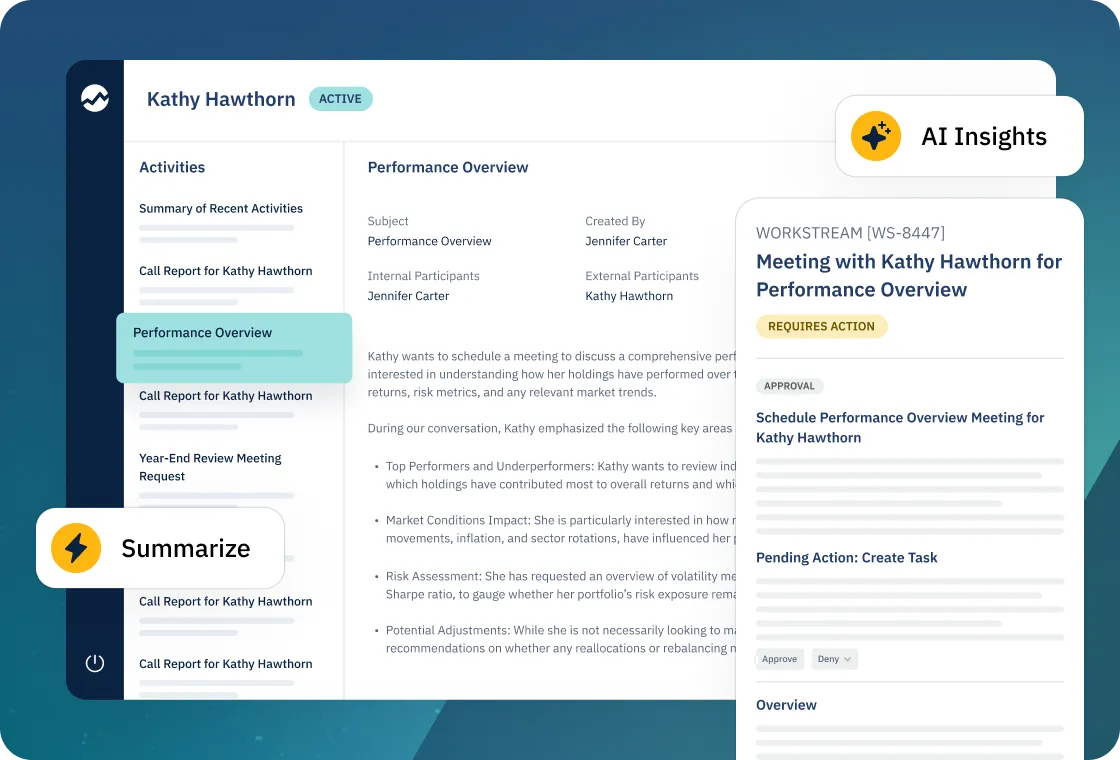
Combine Human Tasks and System Actions
Each workflow can mix user tasks with automated steps, including operations against Ridgeline APIs, third-party integrations, notifications, decisions, and loops.
Traders might receive a task to review a violation, operations might be prompted to confirm cash, while the system automatically runs reports, updates records, or calls external services at defined points.
Workflows Available Out of the Box
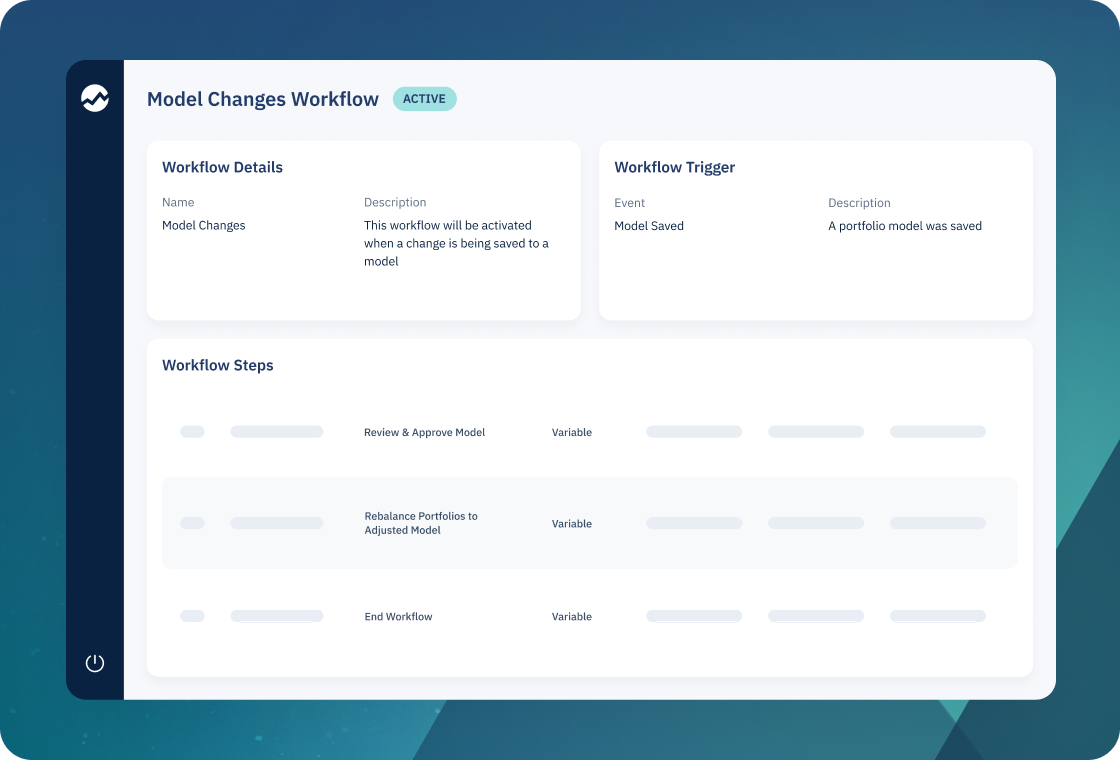
Start using pre-built workflows right away for common processes, such as close period, allocations on closed account, request compliance review, post-trade status notifications, and scheduled report generation.
You can activate these workflows with minimal configuration by selecting assignees and recipients, or archive and replace the pre-built workflows with customized versions where needed.
Visibility, Flexibility, and Governance
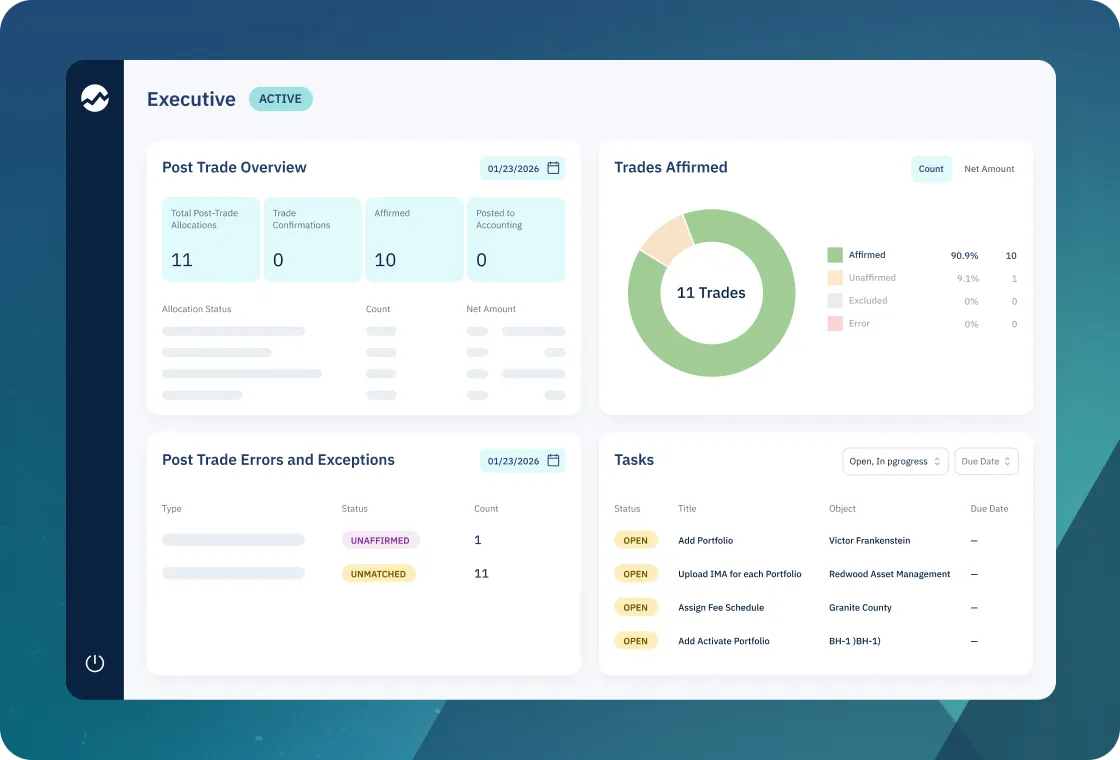
Workflows provide end-to-end visibility into who is responsible for each step, what has been completed, and where work is waiting, with an audit trail that records changes and reassignments.
As operating models evolve, you can adjust templates without changing core code to quickly refine how work gets done without resorting to ad hoc spreadsheets or shadow processes.
.avif)
.svg)
“The reporting is way more customizable, way more robust. Our ETF process workflow is way more streamlined… not having to manually do anything for when we get a basket in is huge.”